
EXCLUSIVE: MAVO’s treehuggers
Hello, Treehuggers! We’re so grateful for your support on Seed&Spark fundraiser, and we’ve prepared something exclusive just for you:
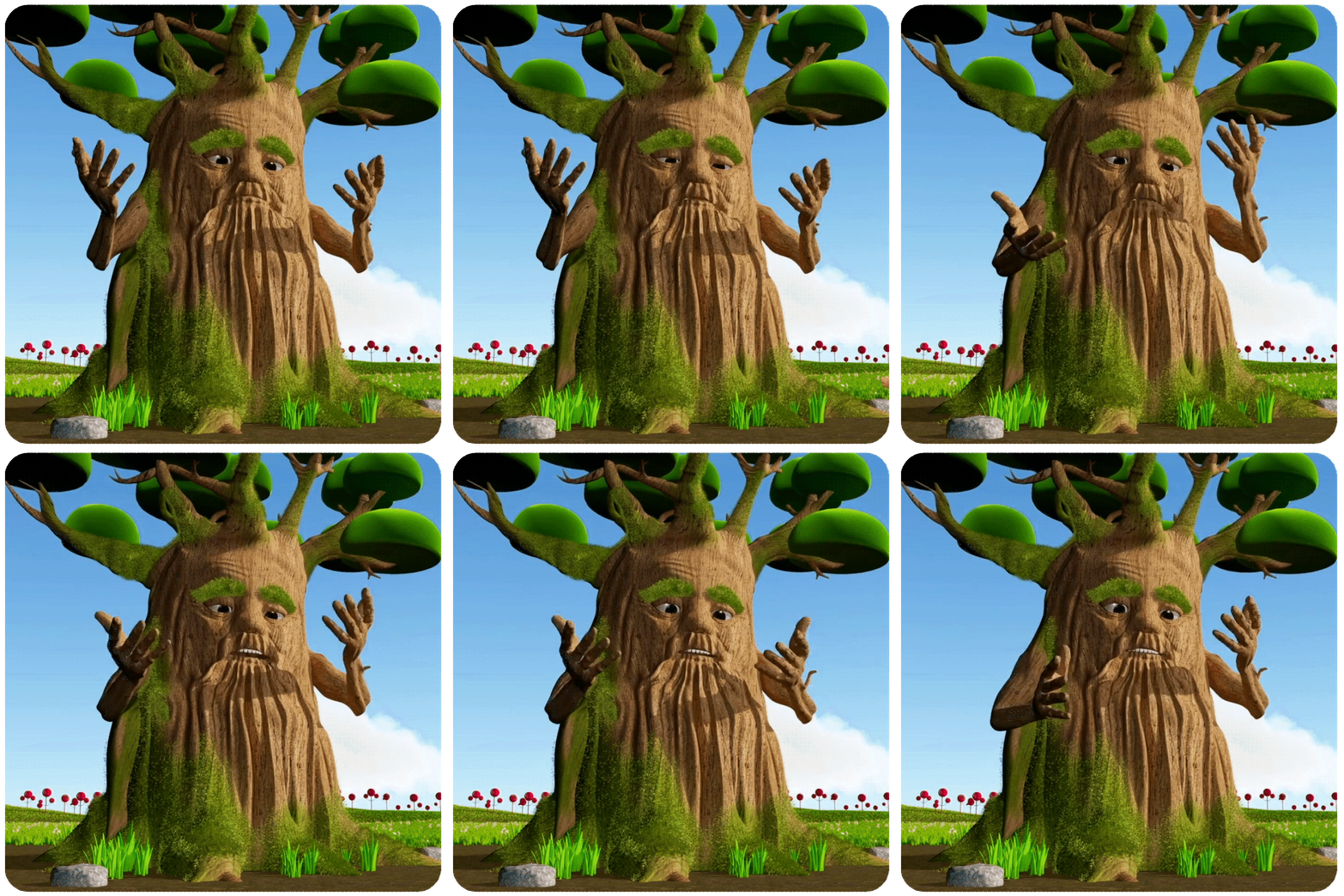
Baobab Poster and Gallery
Early Preview - Available November 16!
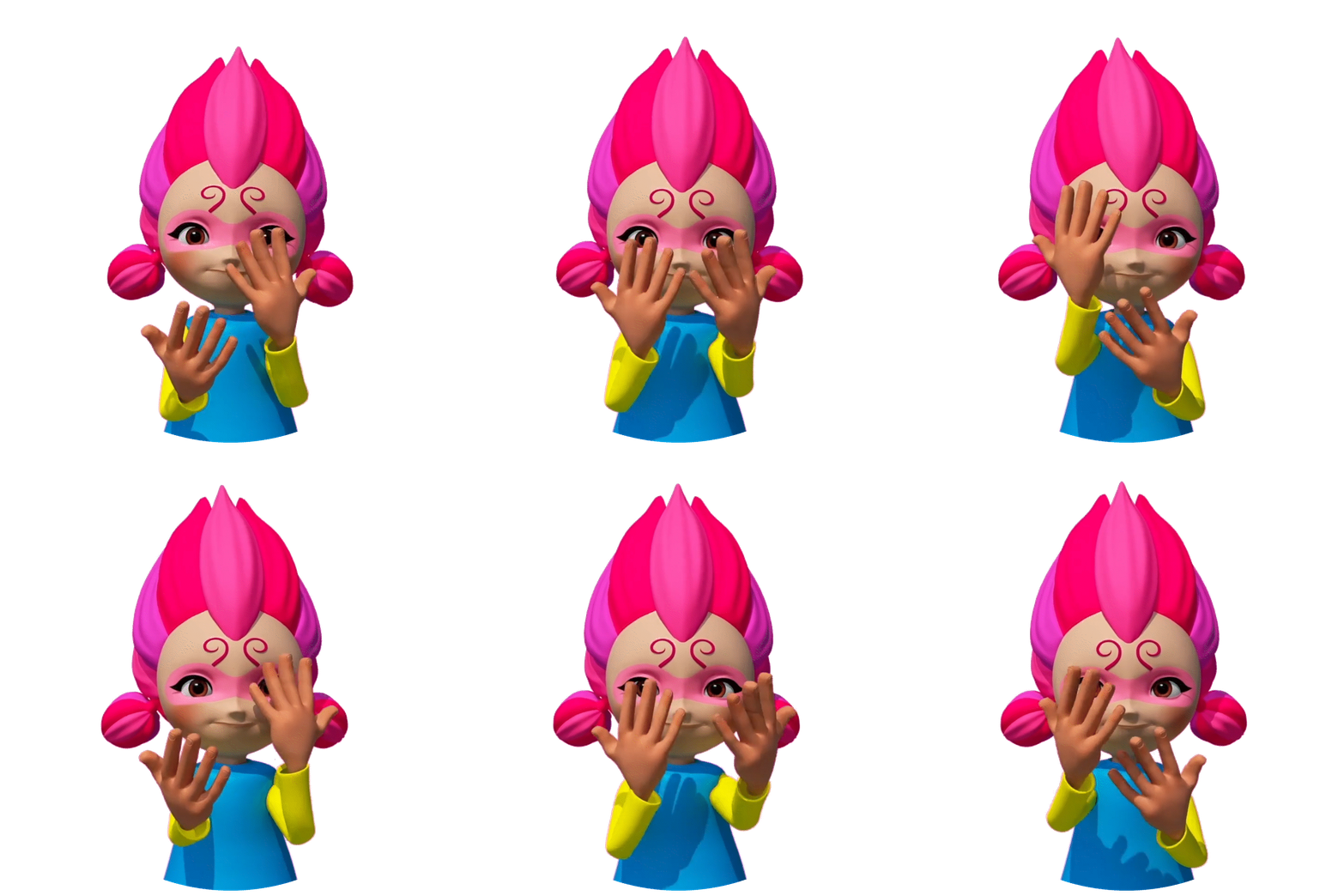
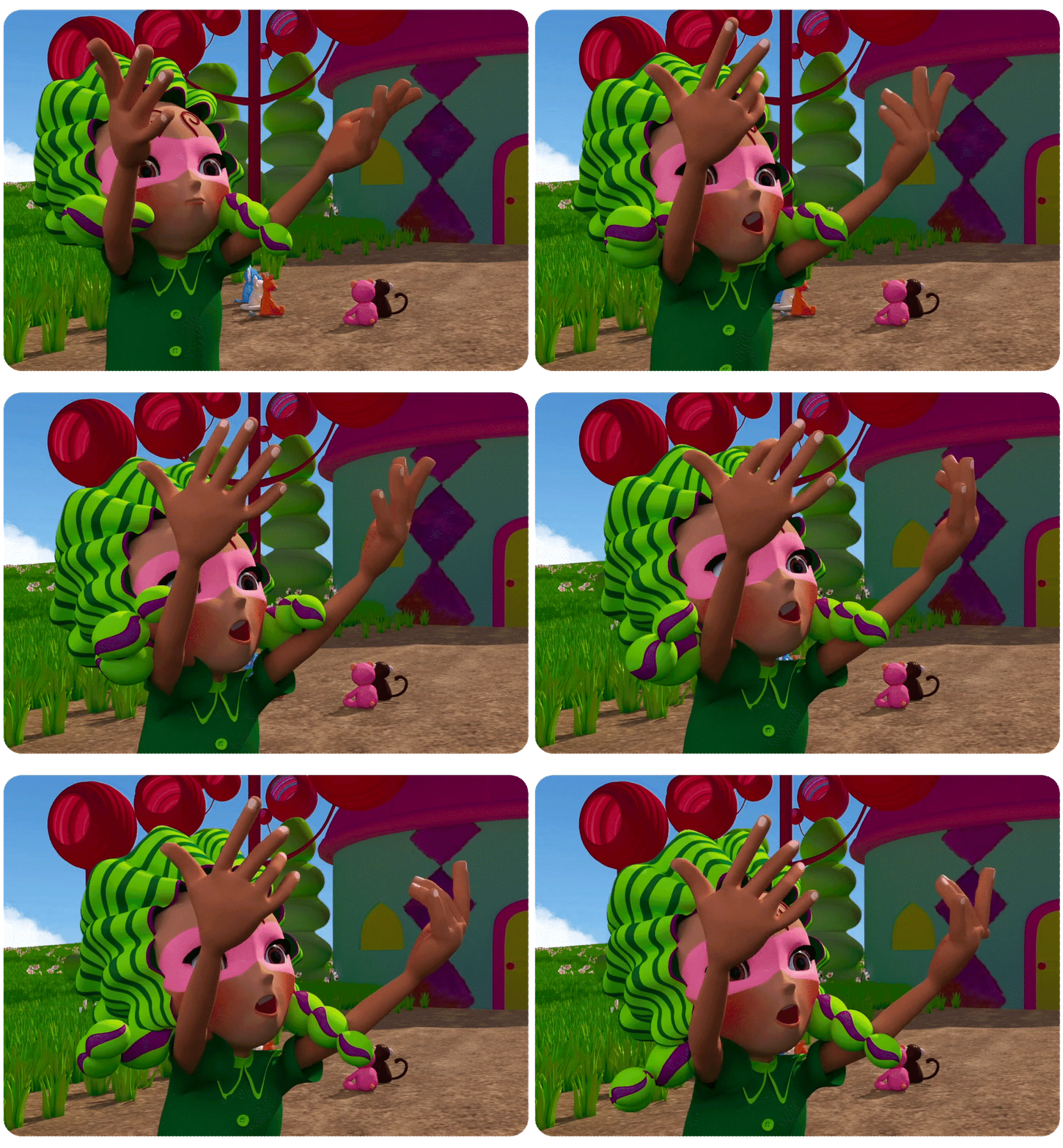
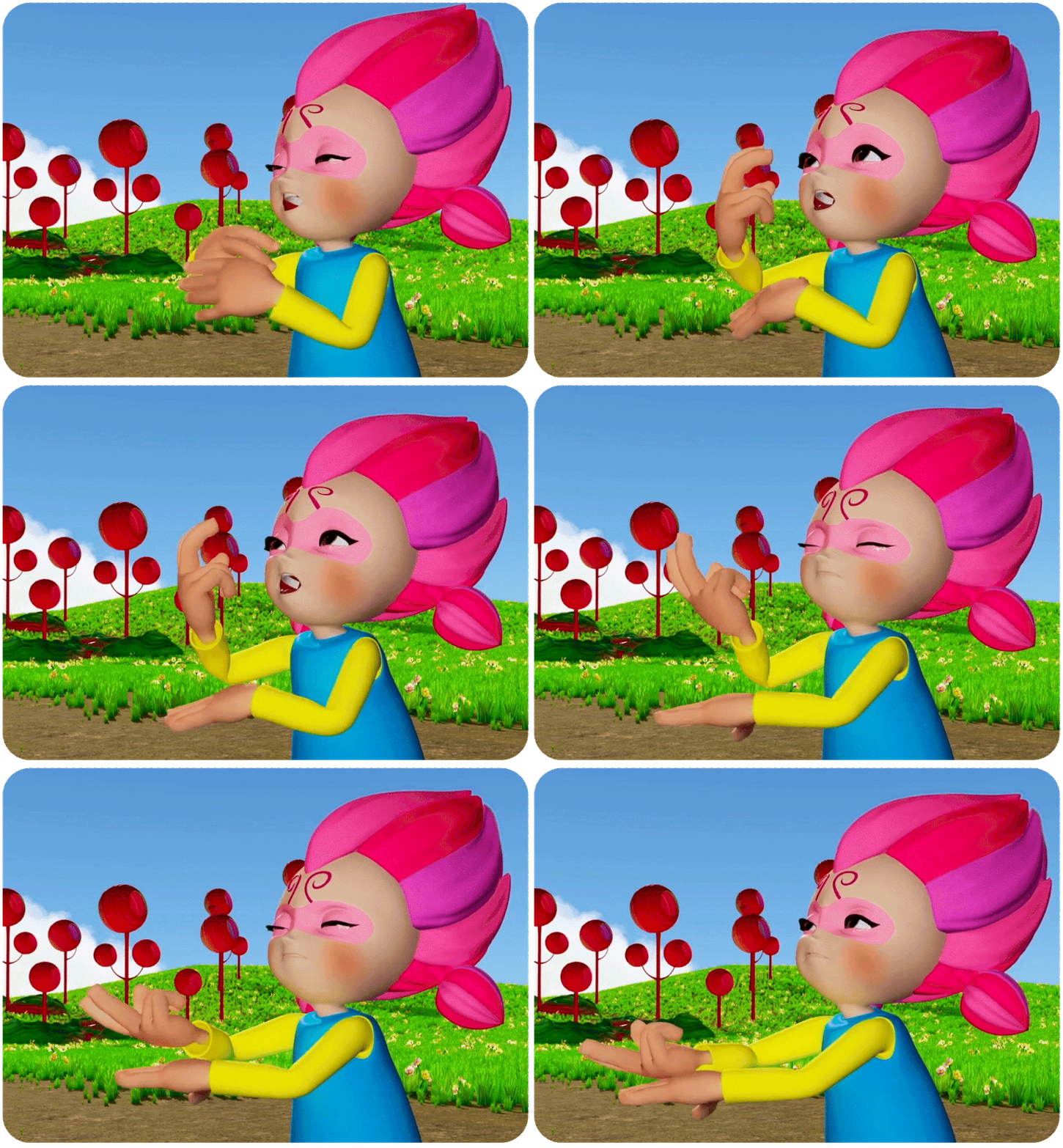
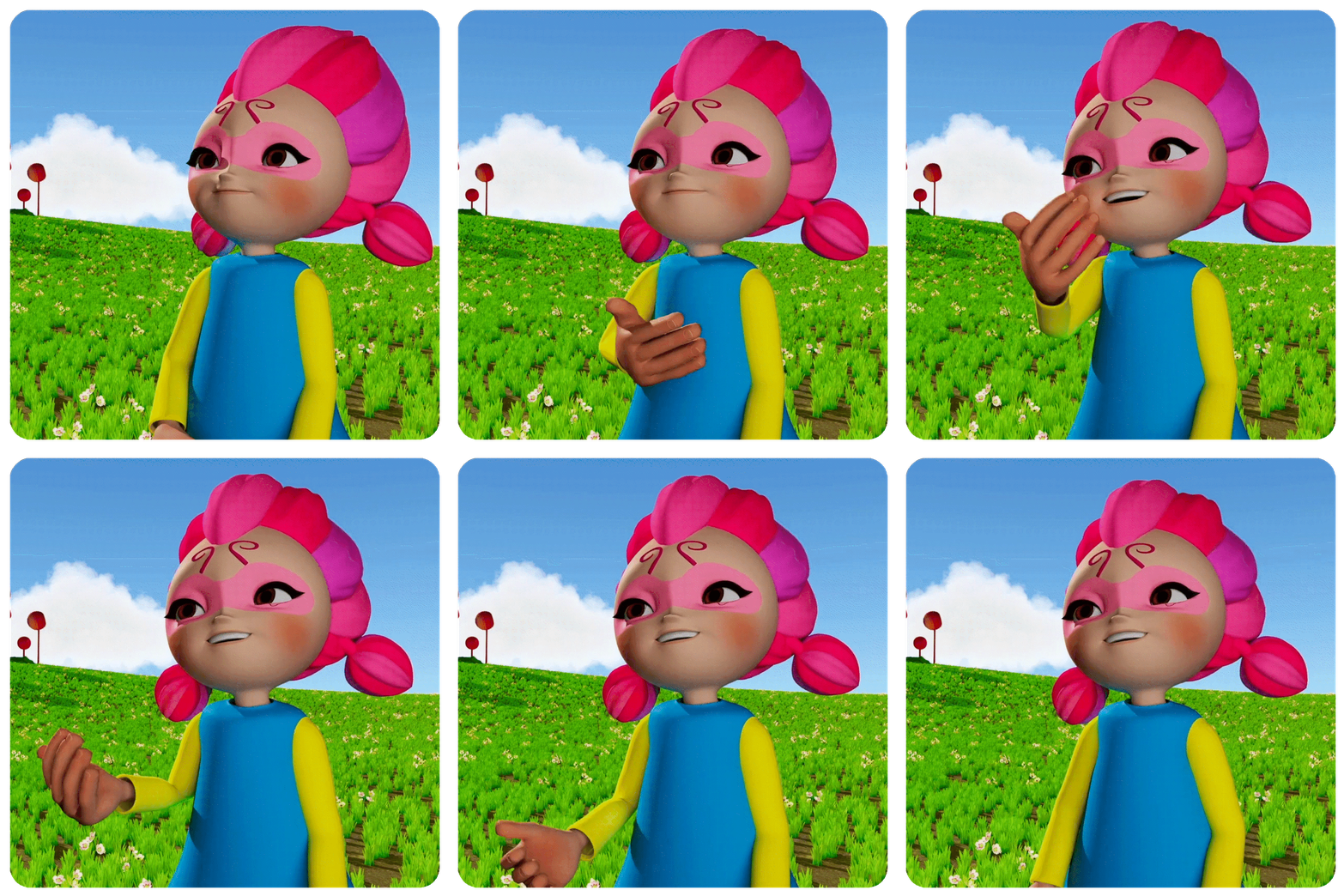
Stickers and GIFs to download!
As Mavo would say: Let’s goooo!
This link will be open on November 16th!
Baobab Gallery
Gallery of Baobab sketches and the process of creating the first ASL signing tree in children’s animation.

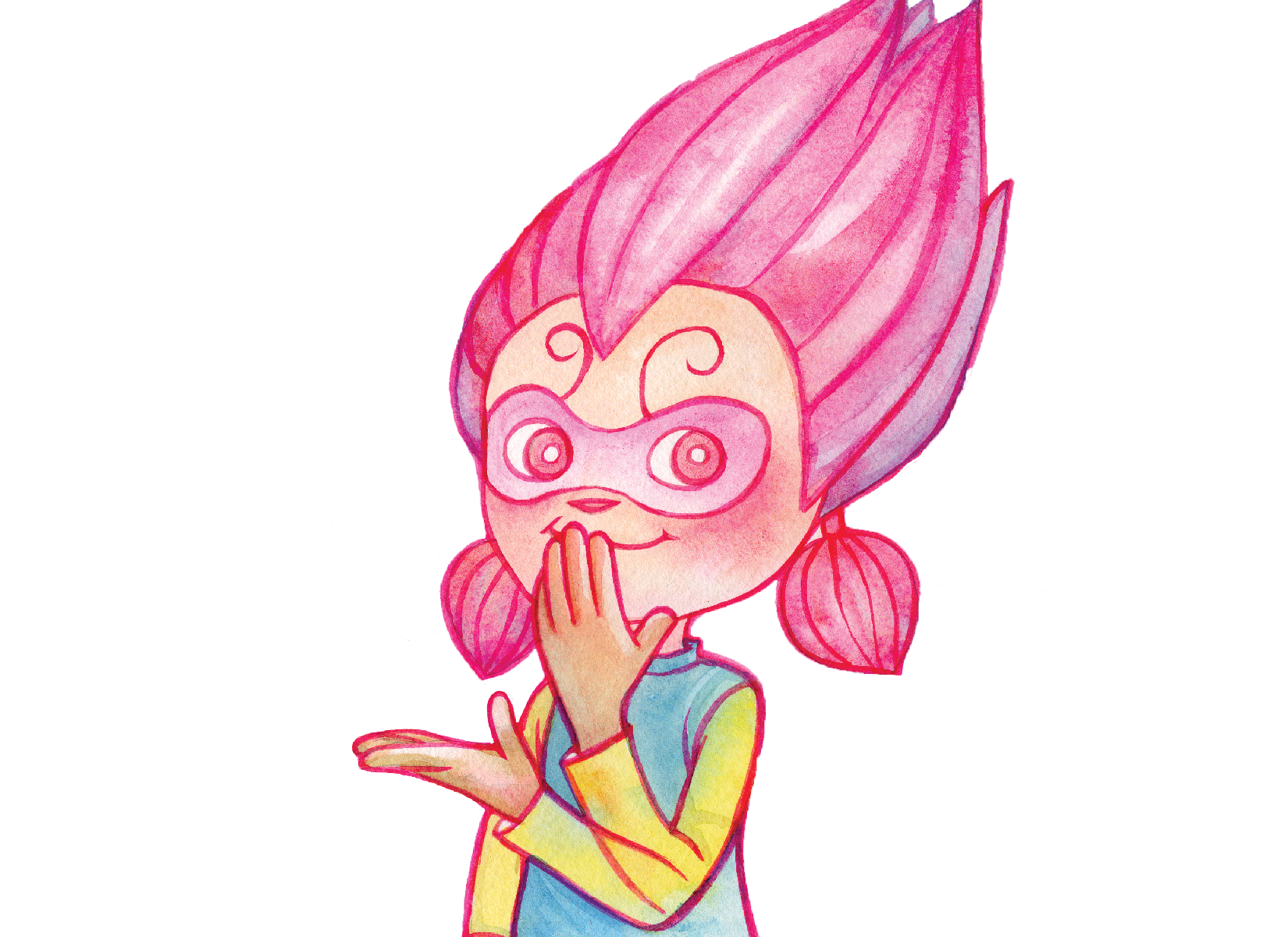
yay! stickers!
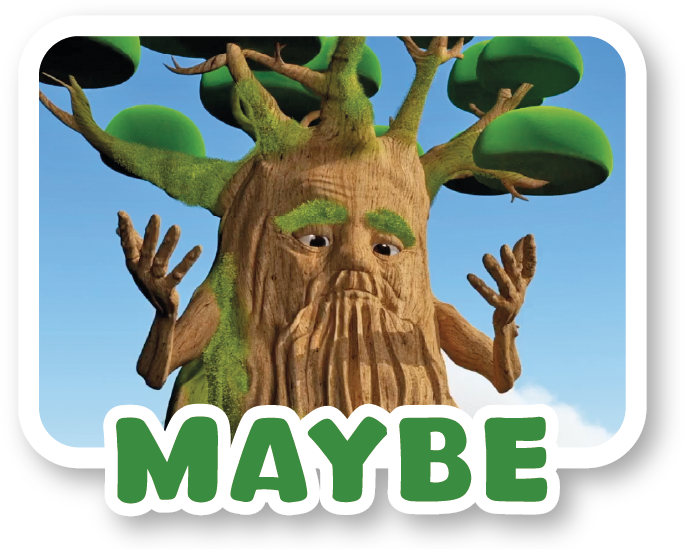
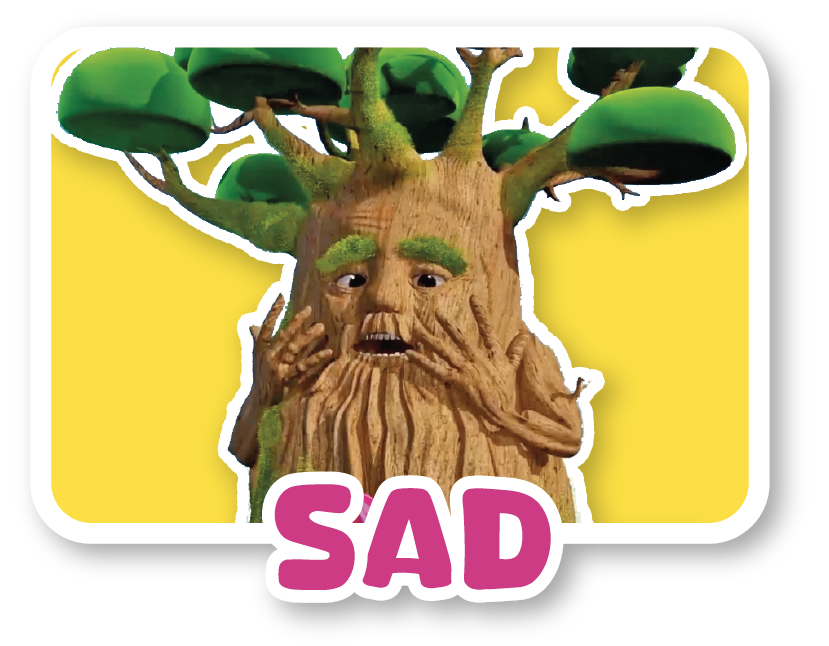



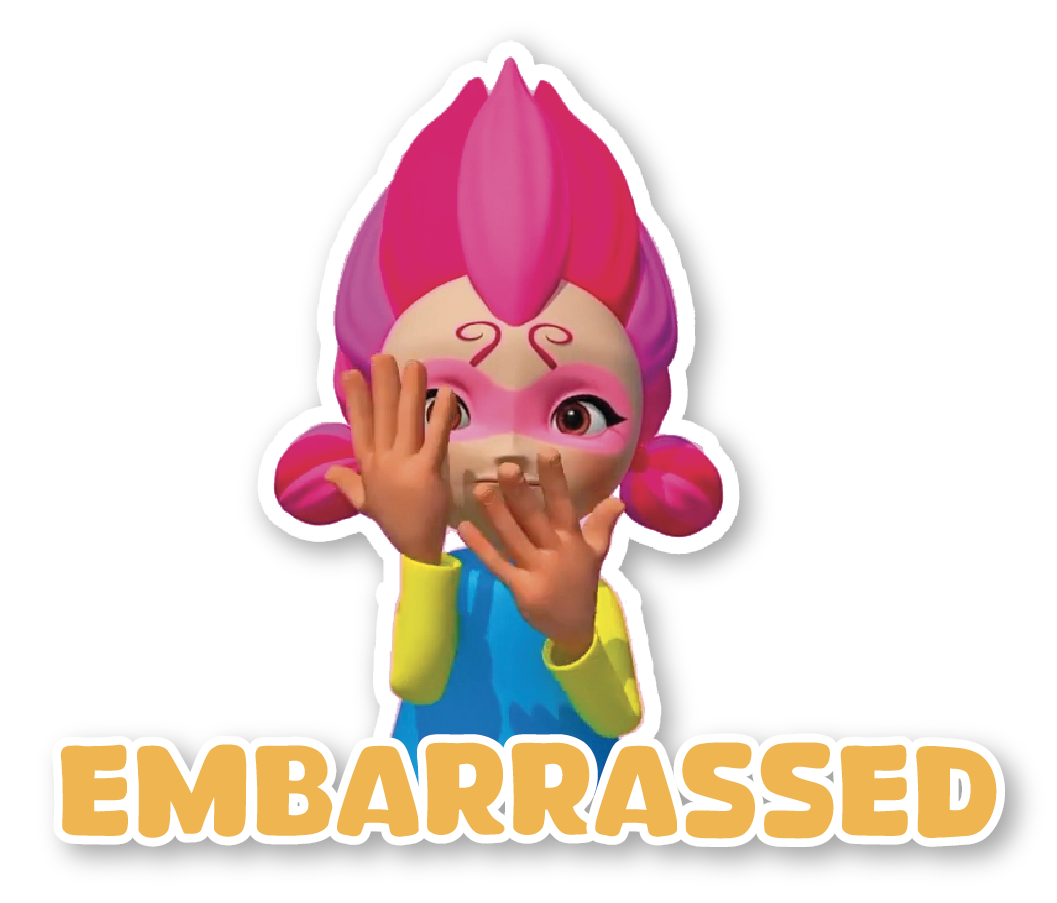
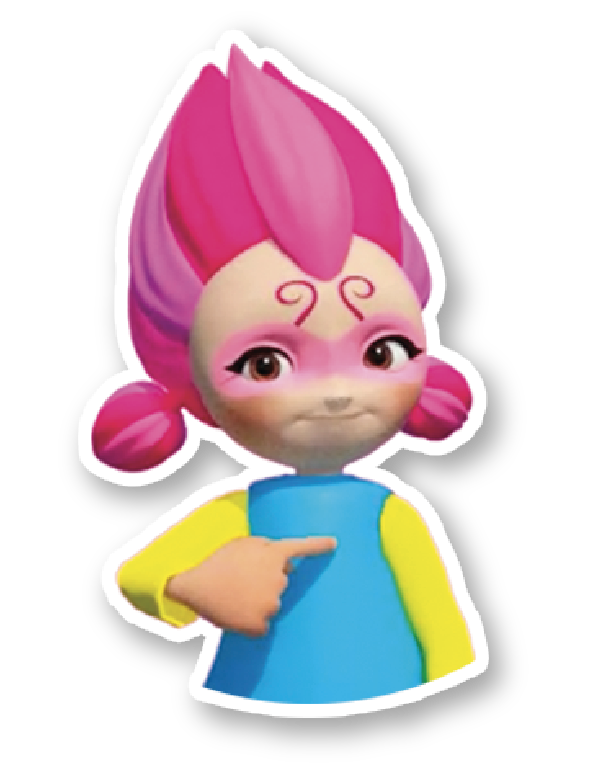


How to Use Your Stickers:

• Download and save the PNG stickers to your phone’s Photos/Gallery.
• Open WhatsApp and select a conversation.
• Tap the emoji icon next to the message box, then select the sticker icon.
• To use your PNG stickers, you may need a sticker maker app (such as Sticker Maker).
• Import your downloaded PNG images into the app
• Create and add your sticker pack to WhatsApp.
• Open WhatsApp, find your new sticker pack, and start sending!

• Download your PNG stickers to your iPhone.
• Open the Photos app and find your stickers.
• Open Messages and select a conversation.
• Tap the + button next to the message box.
•Select Photos and choose your sticker PNG.
•Tap send!
TIPS
• Save your PNG stickers to your Photos for easy access.
• Stickers with transparent backgrounds look best.
• You can resize and position stickers in iMessage before sending them as images.
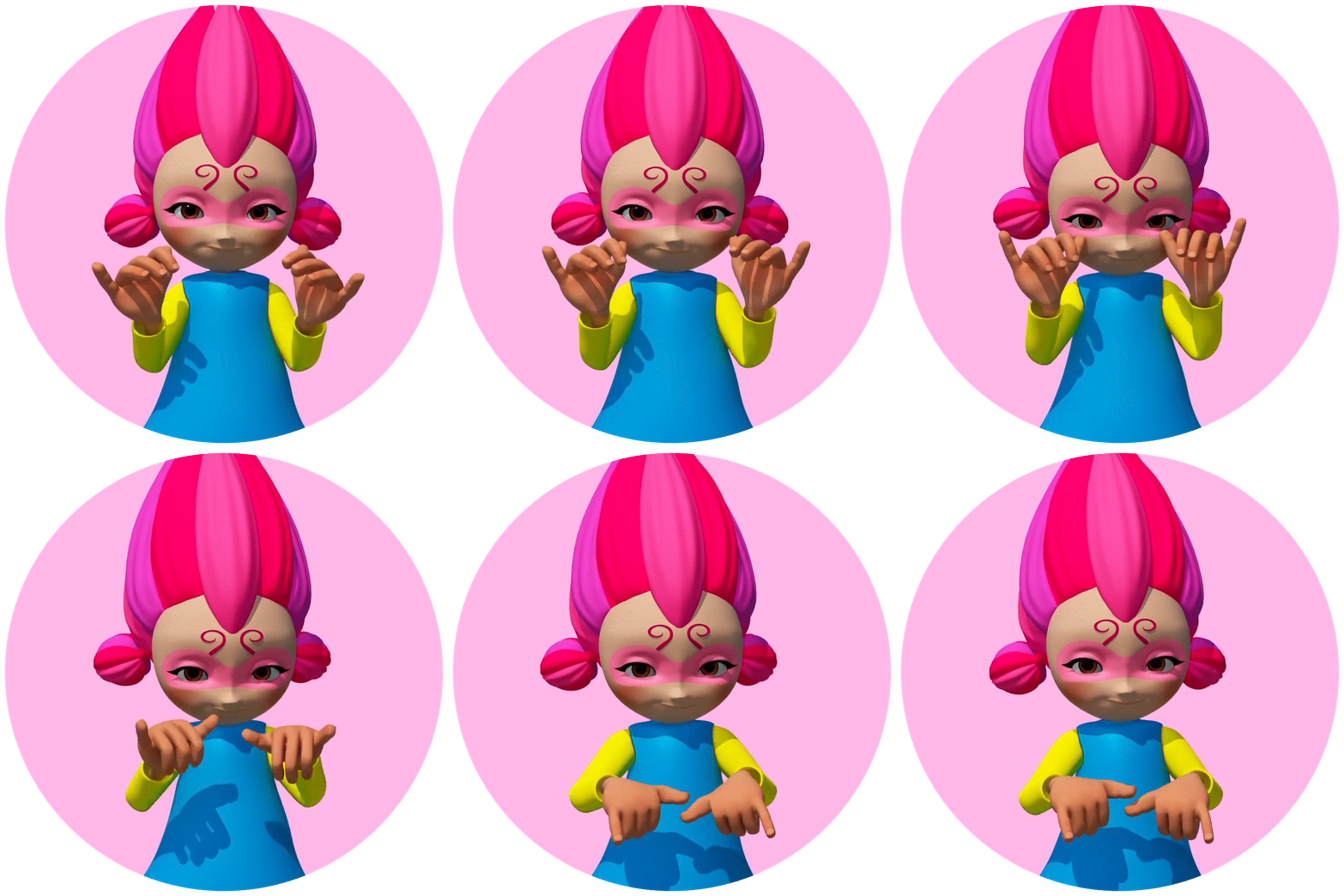
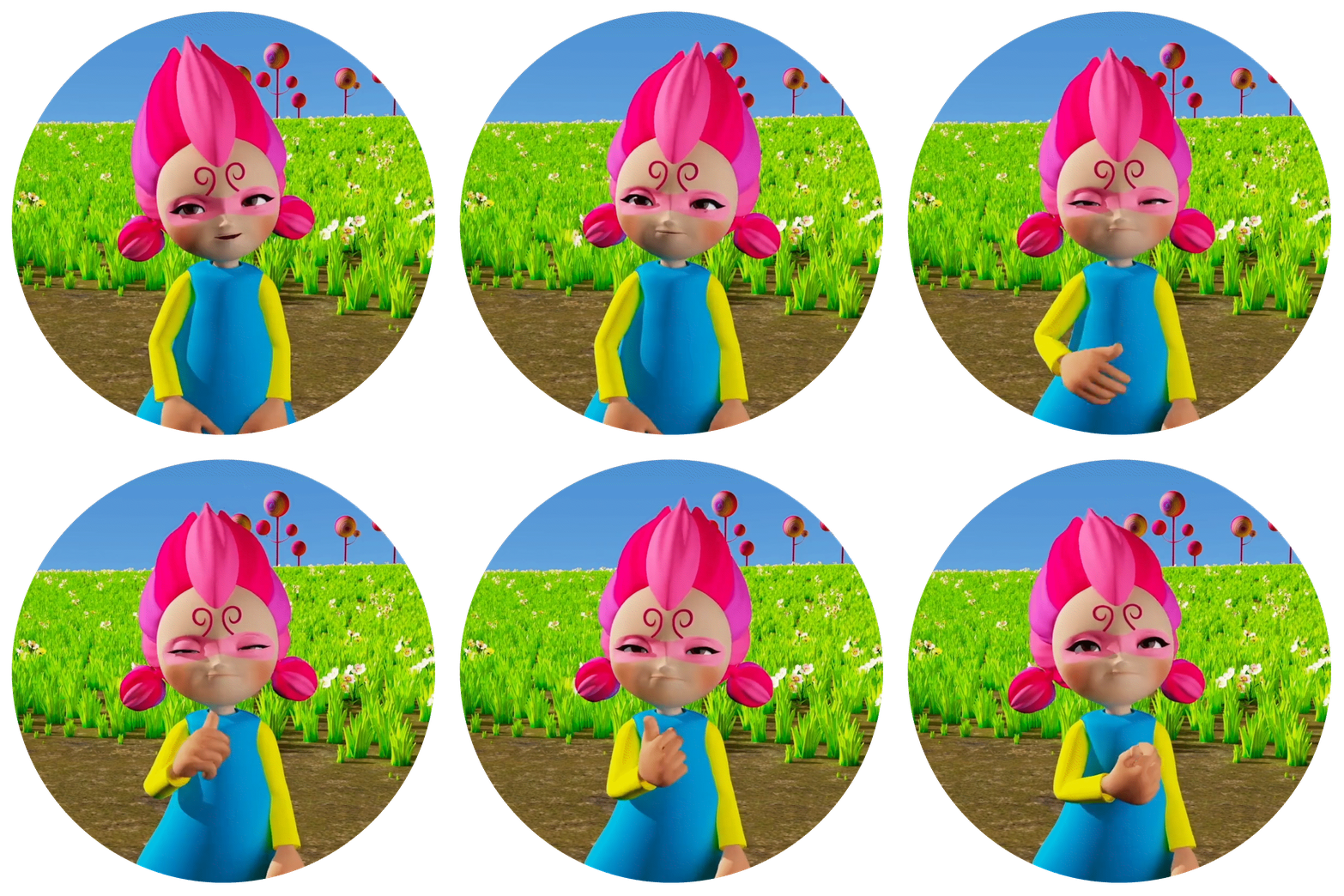
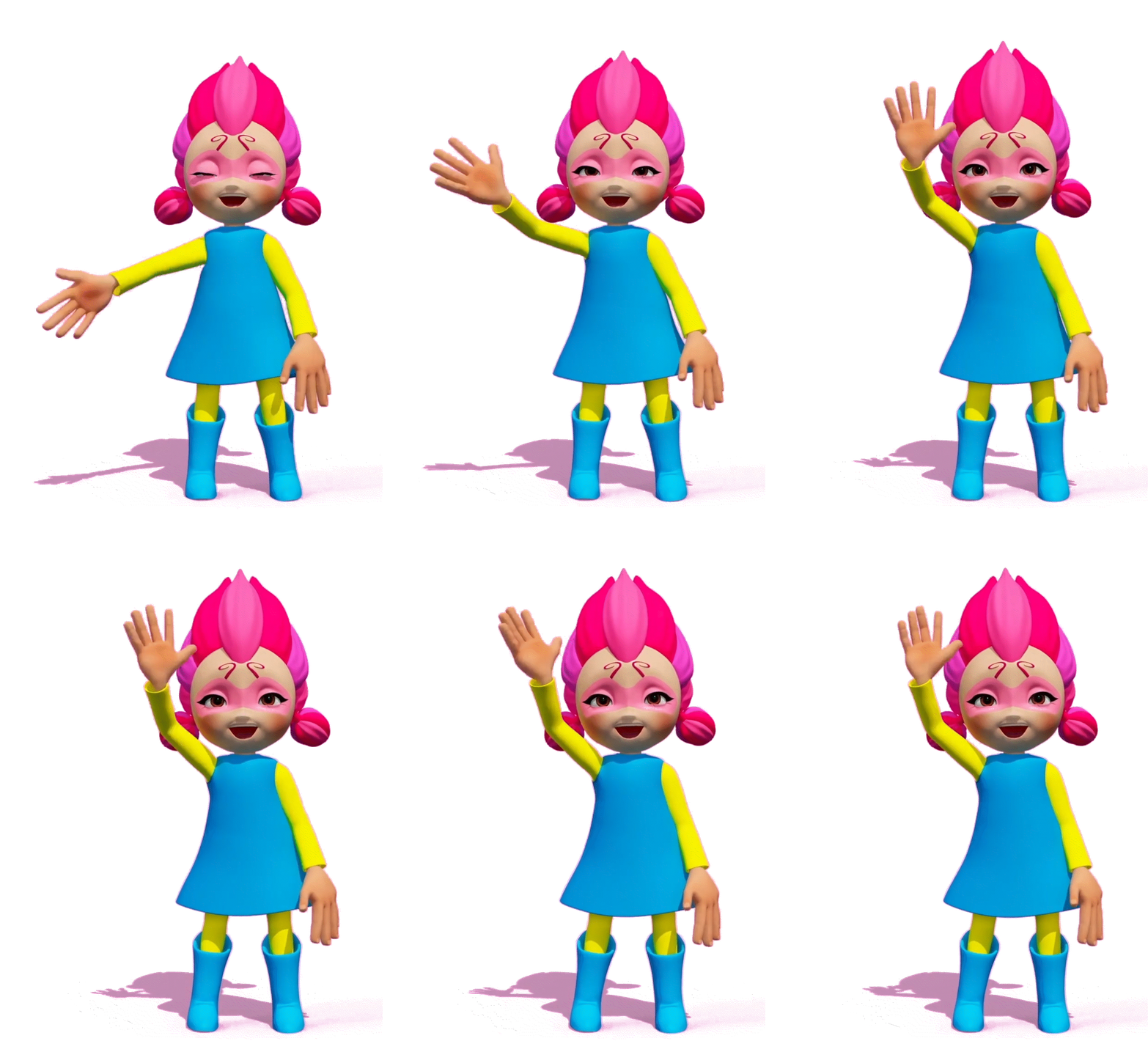
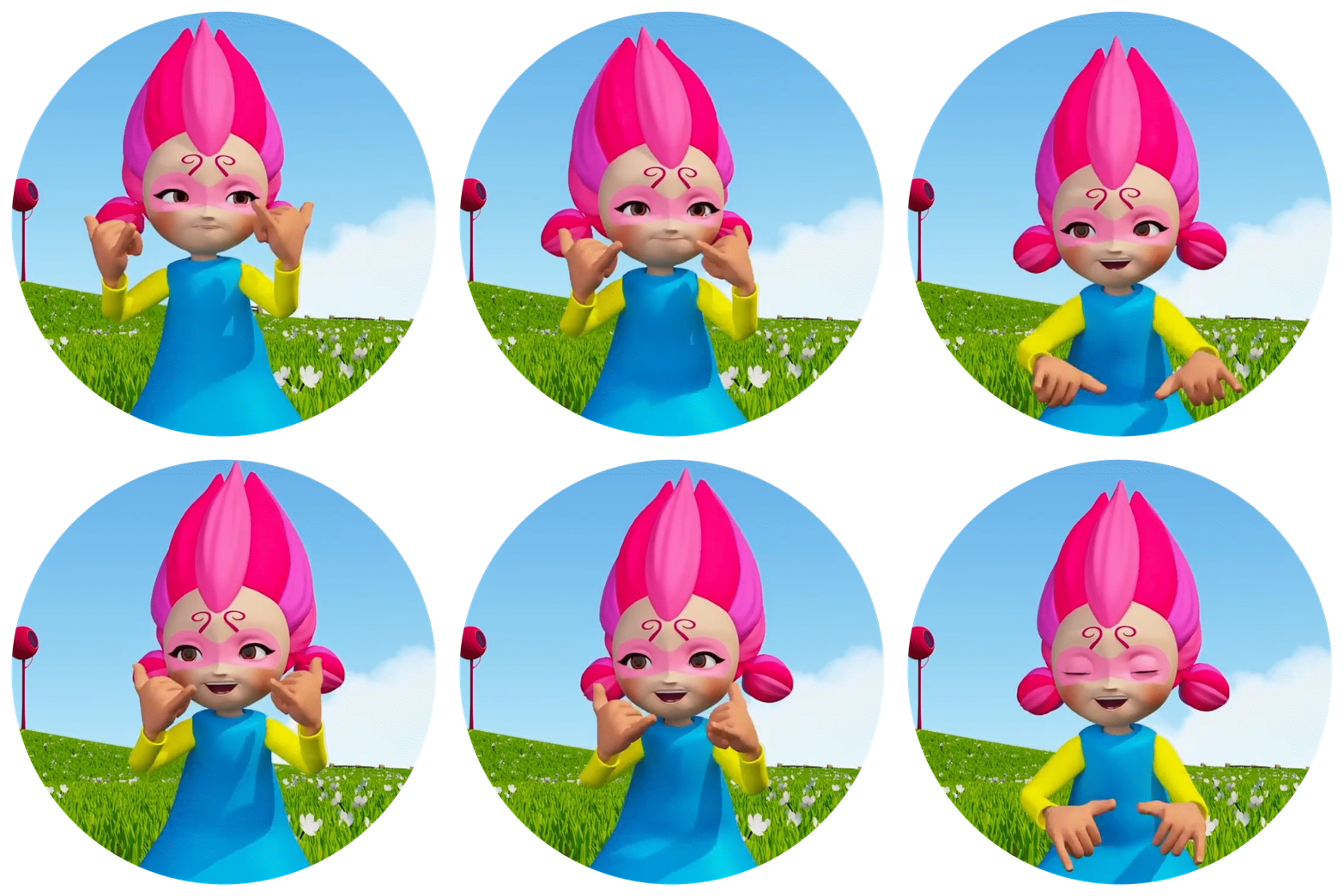
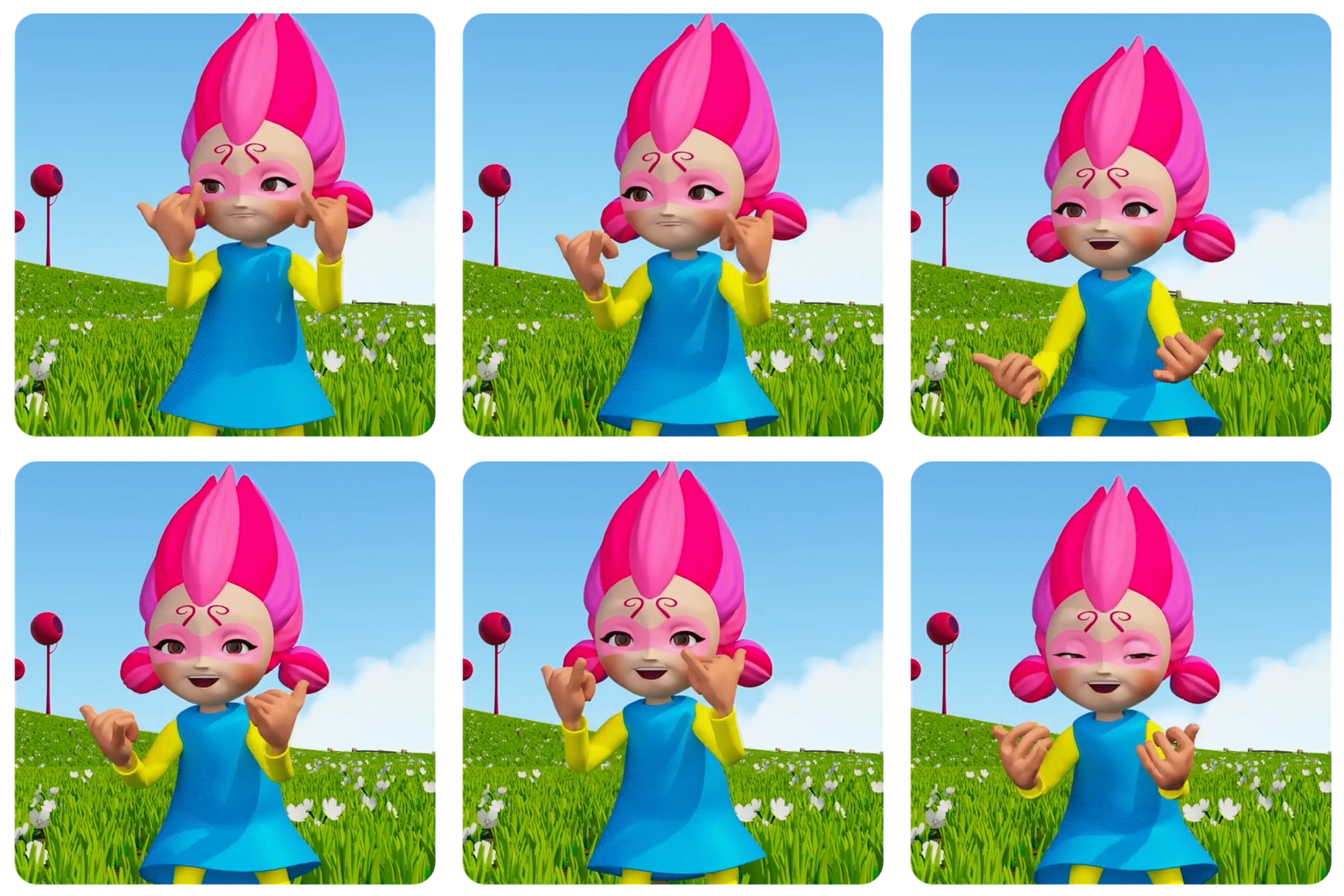
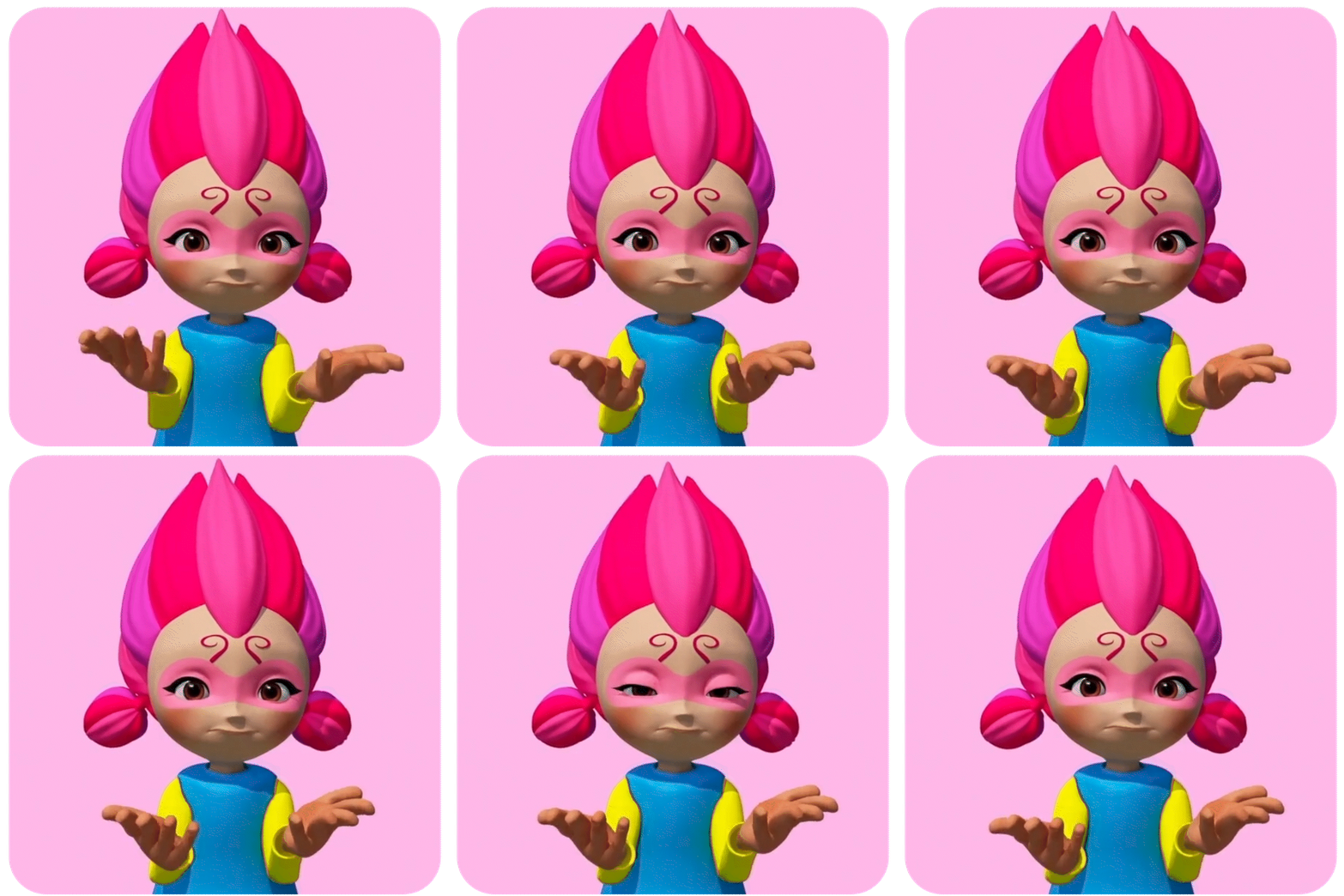
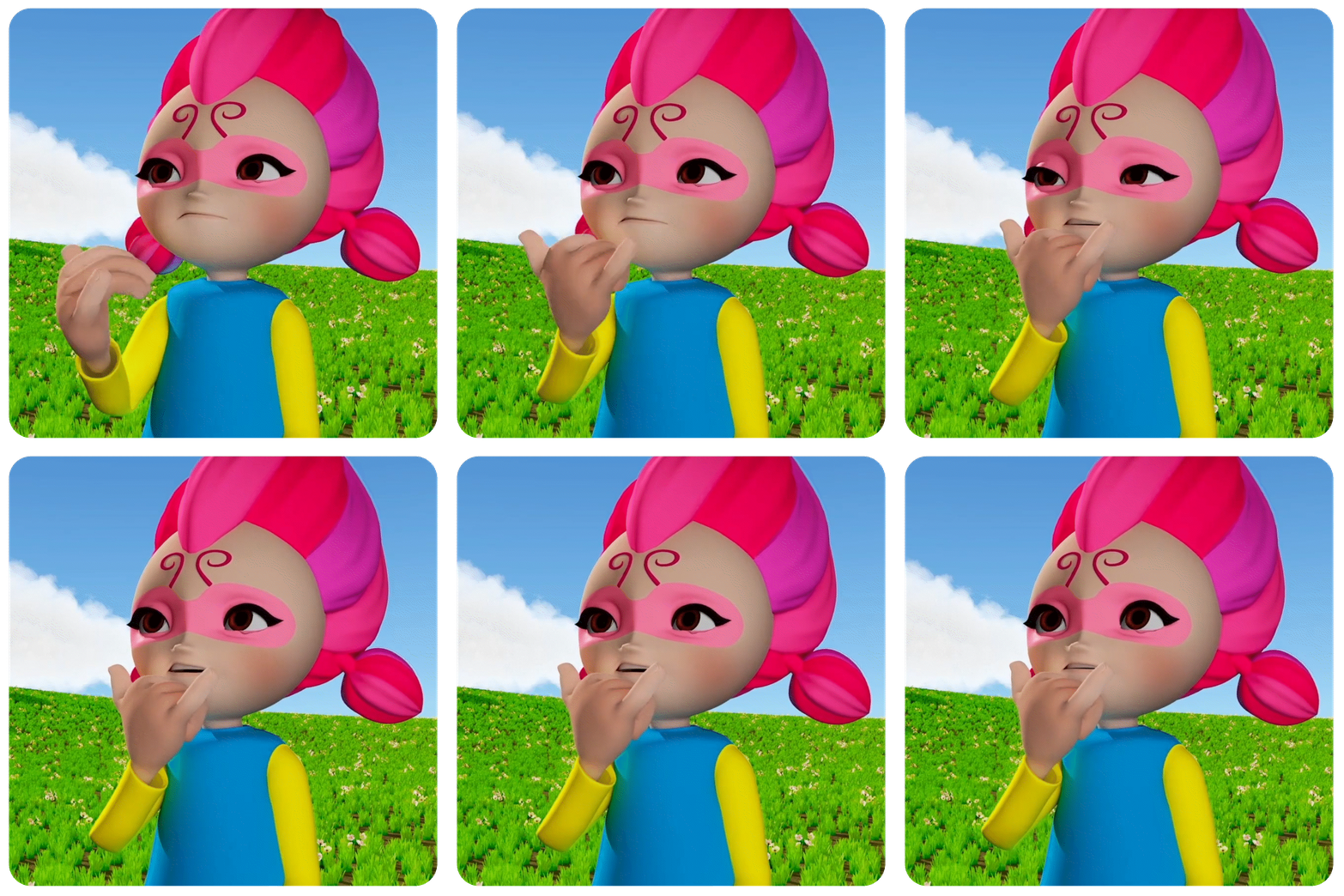
GIFs pack!
Whoa, EXTRA fun ways to express!!! Power to the GIFs!


How can you continue to support Here Comes Mavo! series?
🌟 Subscribe to our YouTube Channel!
🌟 Follow us on Instagram and Facebook!
🌟 Tell all your friends about this!